Download Google Chrome for Arm64 Linux now
You can now install an official Google Chrome build on Arm64 Linux devices, including the Raspberry Pi.
Back in March, Google promised Chrome for Arm64 Linux in “Q2 2026” so users on SBCs, AI desktops and the growing-fleet of Snapdragon laptops out there, could use the flagship browser and benefit from the handful of extras it offers over a vanilla Chromium build.
The search giant hasn’t said a whole lot about that effort since then, but Arm64 builds of Chrome were recently added to Google’s official Linux repos for Debian and RPM-based Linux distributions – thanks for the tip Steven H – and they do work.
When I went to the official Chrome download page on my Raspberry Pi 5 running Ubuntu 26.04 LTS, it gave me an AMD64 installer. That won’t work. But a quick edit of the download URL replacing amd64 with arm64 did the trick: a native Arm64 version.

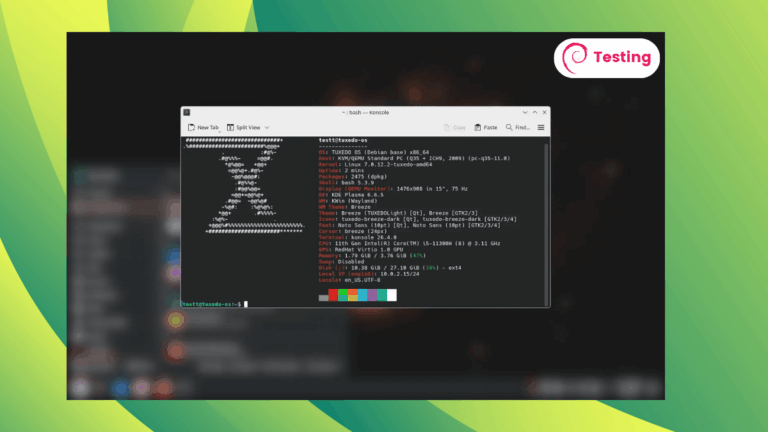
The Google Chrome Arm64 Deb package installed without issue via apt on Ubuntu, netting me a aarch64 build of Google Chrome v150 on the stable channel.
As the Deb adds Google’s repo as part of the installation, future updates will come through normally alongside other updates. I haven’t tested the RPM, so if you’re on Fedora and it all works fine there, let me know in the comments.
Running Chrome (arm64) on Raspberry Pi 5

Chromium, the open-source version of Chrome, is already available on Arm64 devices, so too are scores of Chromium-based web browsers, including Vivaldi. Google Chrome proper showing up is, arguably, a bit of a non-event itself – at least to long-time Arm users.
What is more interesting is what else is along for the ride.
Chromium lacks Google account sync, but Chrome proper has that. It works in my testing. I signed in with my Google account and it pulled in my extensions, bookmarks, password and settings. For those moving between devices regularly, sync is a boon.

It also includes DRM playback via Widevine. Historically, running Widevine on Arm Linux outside of ChromeOS has relied on workarounds extracting a 64-bit aarch64 binary from ChromeOS, often needing third-party scripts to resolve integration quirks.
Here, Chrome’s chrome://media-internals page reports a Widevine module at /opt/google/chrome/WidevineCdm/_platform_specific/linux_arm64/. That suggests it’s a native aarch64 build bundled inside, not a compatibility layer.

However, on Linux it’s likely to still be limited”Software Secure”, a software-based DRM that caps Netflix and other content on Linux at 720p or 1080p, meaning no 4K or HDR streams because of a lack of hardware-backed TEE chains.
Annoying, but it’s the same situation on Intel/AMD.
On the plus side, with this being a native 64-bit module overall reliability and, potentially, system performance when active, should be better.

In media in general, BBC iPlayer on its highest setting played smoothly on my Raspberry Pi 5 – a contrast with performance in Ubuntu’s Firefox Snap for Arm64 which struggles to play anything on iPlayer smoothly at higher bitrates.
YouTube performance was better. Sure, 4K YouTube delivered dropped frames and stutters aplenty, but the Pi hardware is the bottleneck there, not Chrome. But 1080p and even 2K YouTube content played buttery smooth – I only had a couple of tabs open, mind.
Download Google Chrome for Arm64 Linux
If you’ve got an Arm64 device – this isn’t limited to single-board computers; it’ll work on a PineBook Pro, Snapdragon X laptop or expensive Arm PCs like System76 Thelio and the NVIDIA DGX Spark – download it from the Chrome website:
I can’t find an official ‘announcement’ that Arrch64 builds are ready for use (or testing – they might not be reliable enough for daily use). The Chrome support pages don’t currently mentioned that Arm64 Linux is supported. If you try this, keep that in mind.
Still, chances are Google will say something “official” about these builds in the coming weeks, and update the Chrome website download link to serve an Arm64 build directly.