FireDragon Browser Swoops in With New Wings

FireDragon is the default browser on Garuda Linux, the Arch-based distro known for its polished KDE Plasma spins and reliability despite riding the bleeding edge. It has traditionally run on a Floorp base, giving it Firefox’s extension support wrapped in Garuda’s privacy defaults and Dr460nized branding.
Now the developers have flipped the playbook, changing its base and delivering a v13 release that’s packed with many usability-focused improvements.
What’s new?
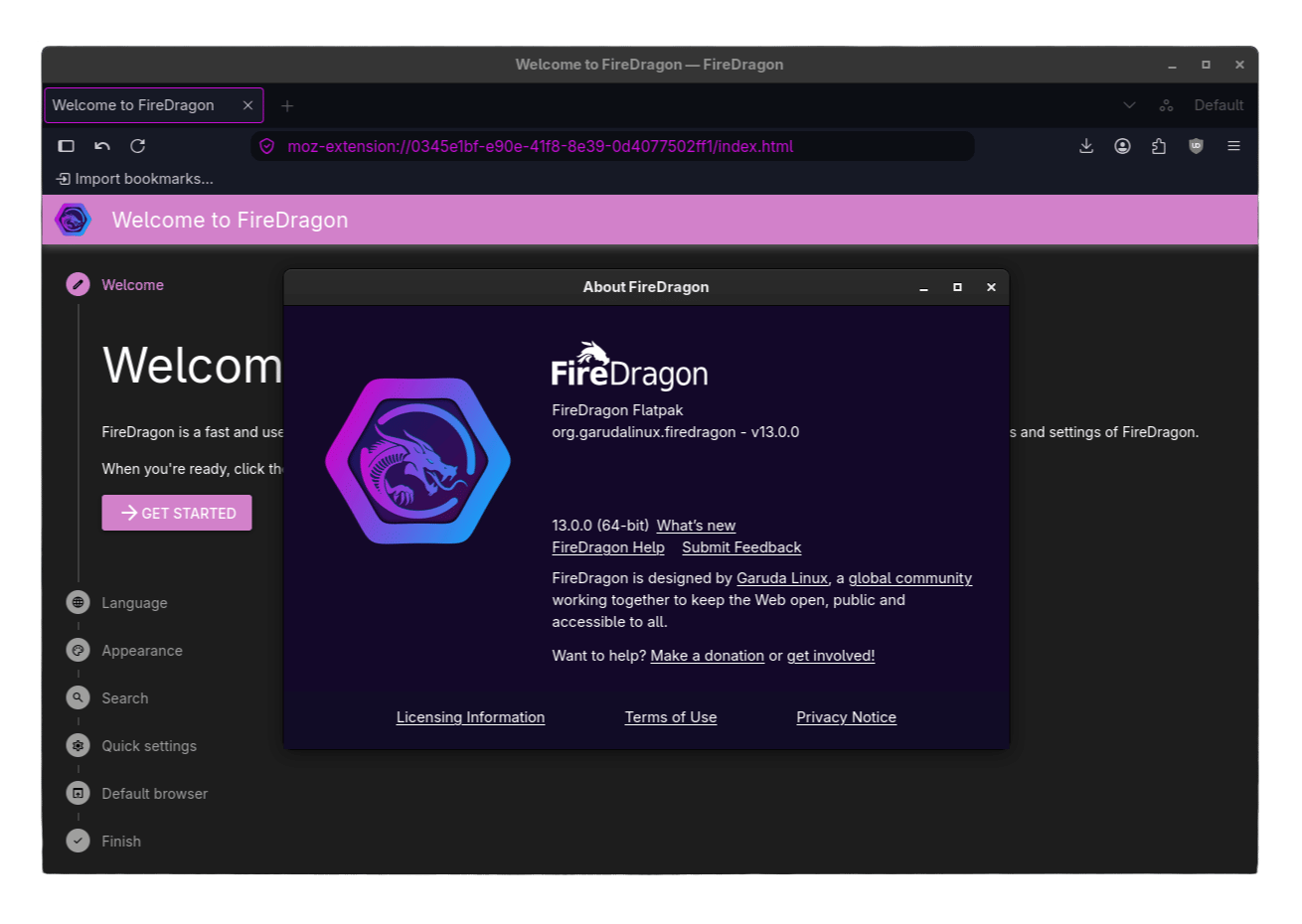
This overhaul gets you a better search experience, where the default search engine is DuckDuckGo. It arrives alongside an expanded list of search tools that range from privacy-focused ones like Qwant, Brave Search, Startpage, and Big Tech options like Bing and Google.
Next is the improved onboarding experience, with the Welcome dialog now packing in one-click toggles for things you’d normally have to dig up in about:config.
Turn off the built-in password manager if you already rely on a separate one like Proton Pass (partner link), flip on ResistFingerprinting for tighter privacy at the risk of breaking sites, or switch on prefetching to speed up page loads.
New quick settings, search engine options, and pre-installed extensions (click/touch to expand).
Similarly, browsing speed sees a small bump with TLS 0-RTT now being enabled by default, cutting latency when reconnecting to sites you have already visited.
There’s also the optional setting to enable prefetching (the same one as earlier), which starts loading a page the moment you hover over a link or downloads the next page in the background before you click it.
As for the other notable changes, v13 adds support for XDG Base Directories and now handles WebGL and DRM content through site permissions. It also drops Dark Reader from the default extension lineup, leaving Flagfox and uBlock Origin as the only pre-installed add-ons.
Should you ditch Firefox?
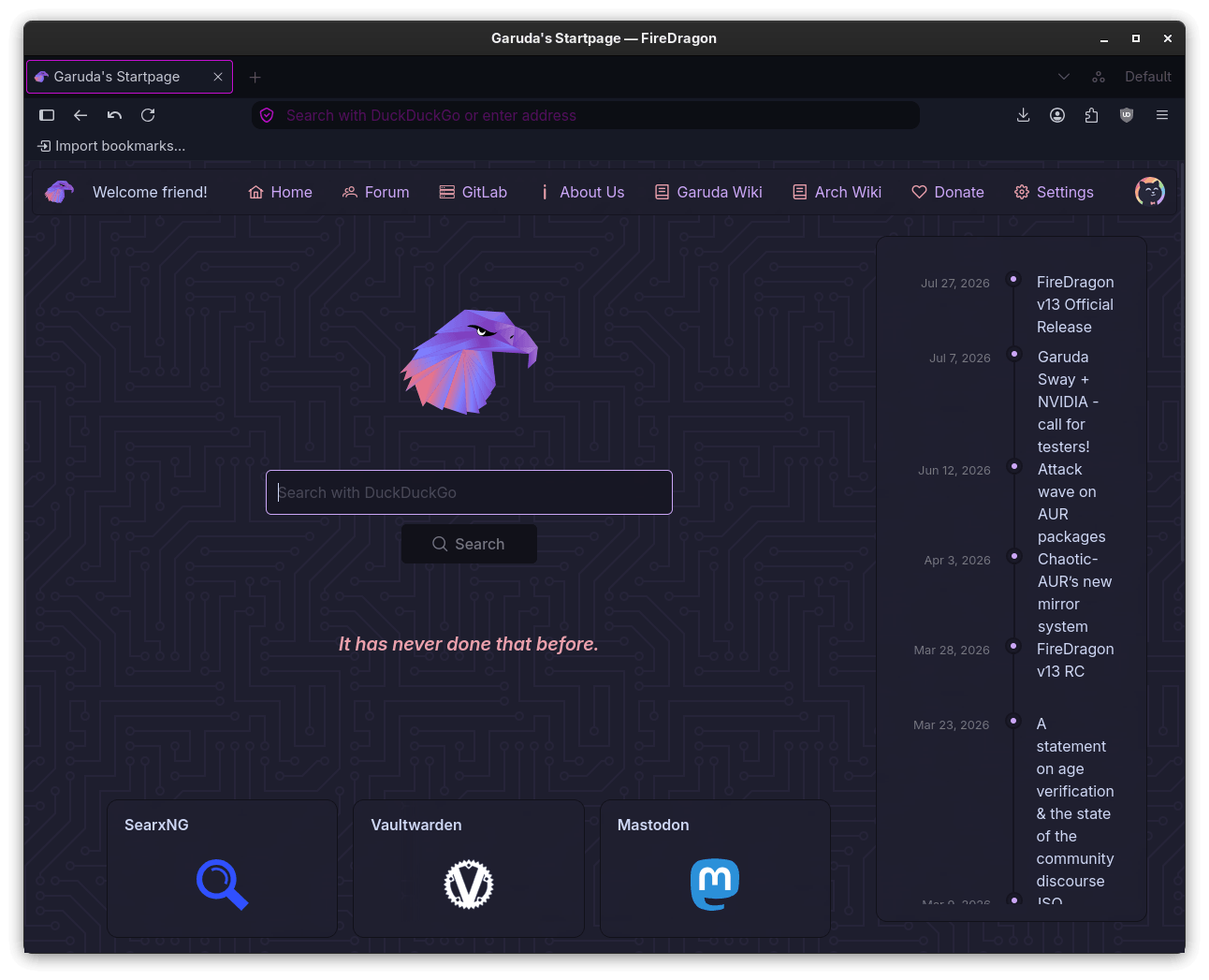
I spent time with FireDragon v13 to see how the new codebase holds up and whether it changes anything for someone deciding between it and stock Firefox. Most of it feels familiar, though there are a few rough edges worth flagging.
The quick-setup wizard, powered by the new Welcome dialog, left me a little disappointed as there’s a lot of empty space on the page; however, the options themselves worked just fine.
Past that screen, the browsing experience feels like Floorp or Firefox with a Garuda twist to it.
Vertical tabs are where FireDragon comes closest to matching Firefox outright, with the layout looking nearly identical. The one kink is the title bar. Firefox hides it on Fedora Workstation (which comes with GNOME), but FireDragon shows an ugly one with no toggle anywhere in the settings to turn it off.
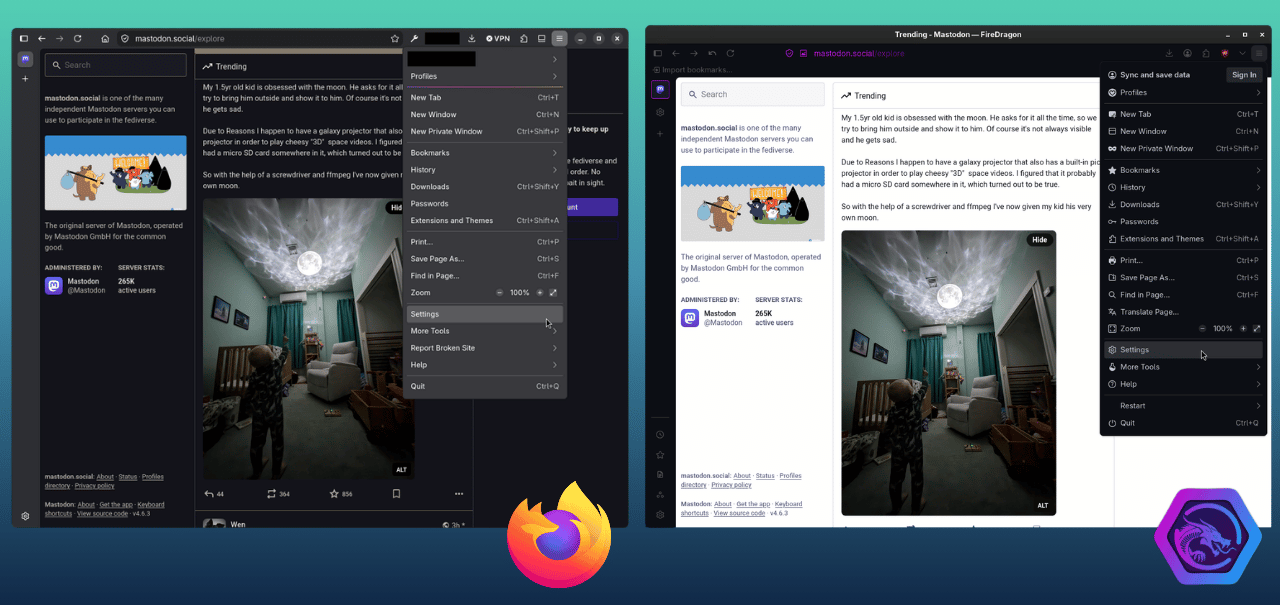
A bigger miss showed up with system theming. Firefox follows your system’s dark or light mode automatically for both its interface and supported sites. FireDragon didn’t do that for websites, even with the “Website appearance” option set to “Dark“. I tested this across Mastodon, DuckDuckGo, and here (where you are reading the article).
Restarting the browser didn’t help either. 😵
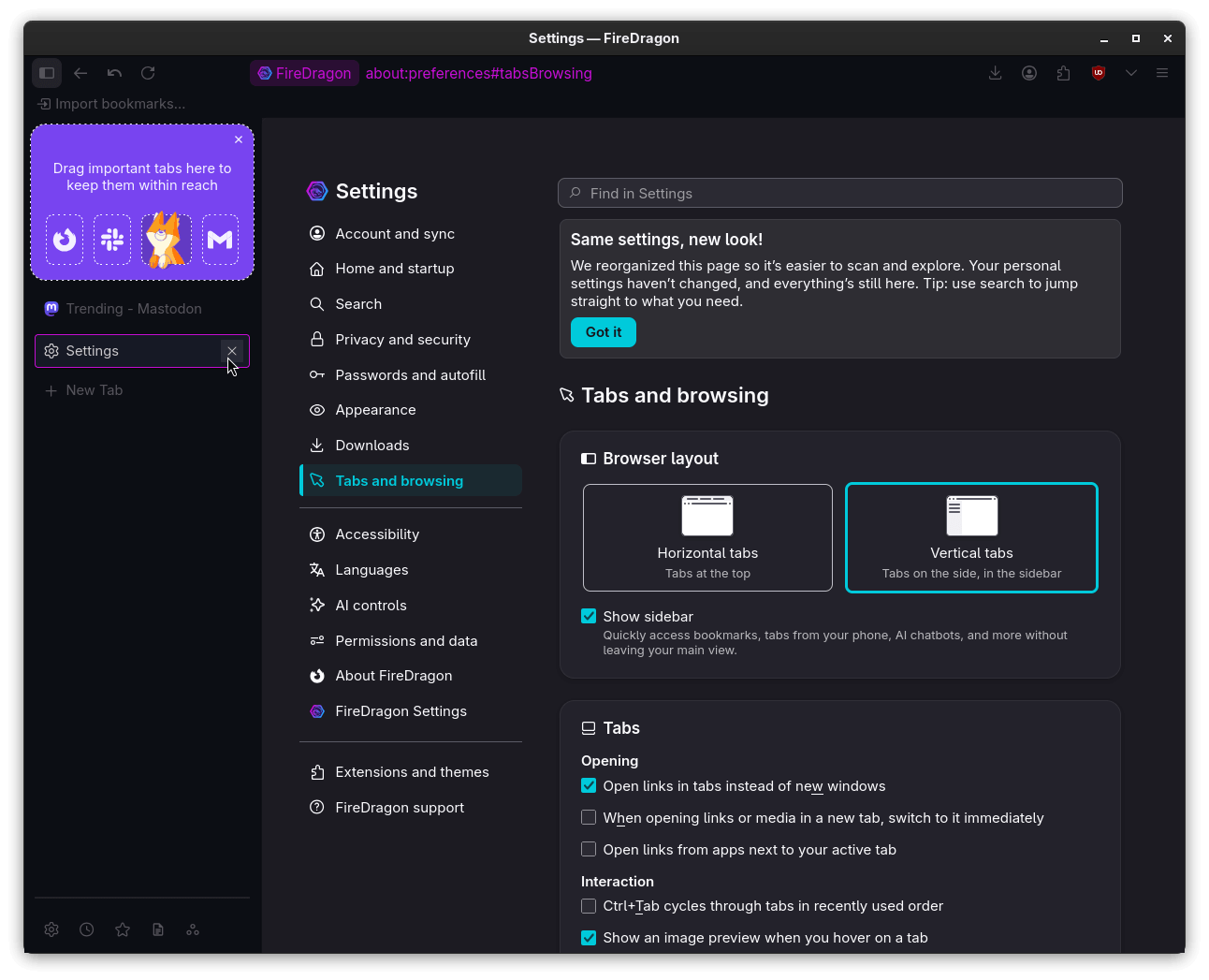
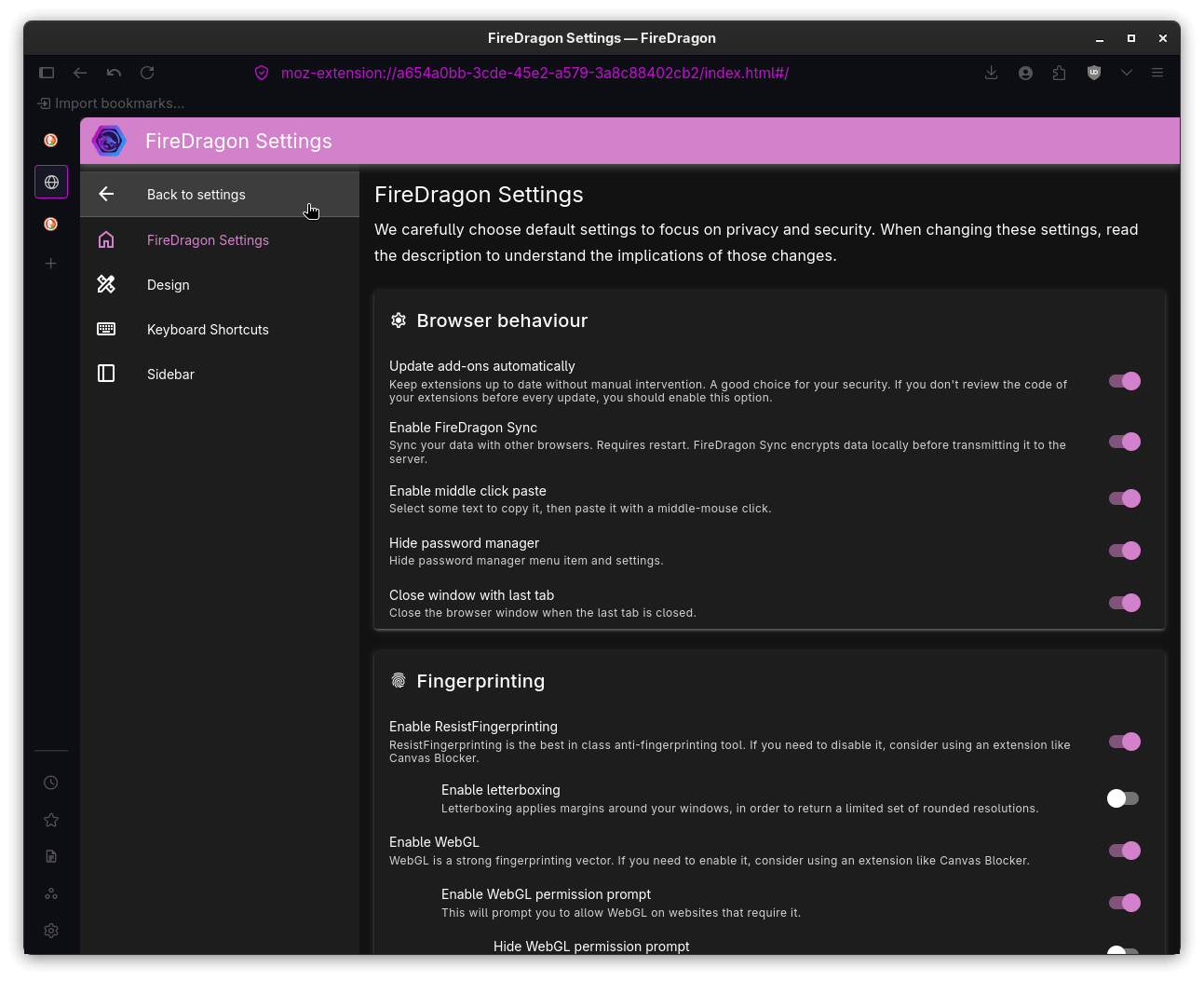
Enabling vertical tabs (left) and FireDragon Settings (right).
The dedicated FireDragon Settings page claws some of that back, with toggles for things like closing the browser window with the last tab, enabling middle-click paste, updating add-ons automatically, and additional controls for prefetching.
The Design tab lets you go further, letting you fine-tune any installed themes with a great degree of control over what gets shown and what doesn’t.
So, should you ditch Firefox? If you’re already on Garuda Linux, FireDragon v13 can be turned into a daily driver with some tweaking. If you’re happily settled on Firefox itself, the theming bug and stubborn title bar make this a harder sell.
Get started
You can get the Dr460nized edition of FireDragon from Flathub for most Linux computers:
flatpak install flathub org.garudalinux.firedragonFor Arch users, there are four AUR packages on offer. One that is pre-compiled (should be faster to install), the second one that needs compiling, and the other two are the same but with Catppuccin theming (link1, link2).
People on platforms like Windows and macOS or those looking for alternative packages for Linux can visit Garuda Linux’s GitLab instance. There’s also a documentation page you can refer to, but keep in mind that it is a bit outdated.
Enjoyed this update? Support independent Linux news coverage
It’s FOSS has been helping people use Linux for the past 14 years. Help us stay independent from big tech. Become a Plus member, enjoy ad-free reading and get 5 eBooks.
Plus lifetime
Pay once, Enjoy forever
Go lifetime