Bethesda finally fix the Fallout 4 on-screen keyboard crashing on Steam Deck / SteamOS
Oh my gosh, finally. Such a simple issue that has been a problem for years is finally fixed. Bethesda just updated Fallout 4 and below is everything that’s changed.
They just need to do Skyrim next, which has had the exact same bug also since forever. They do have a Skyrim update coming sometime soon, so fingers crossed on that too.
On the Steam Deck with SteamOS (and so likely the Steam Machine too) – bringing up the on-screen keyboard would just entirely crash the game. It’s really surprising it has remained “Verified” by Valve with such a ridiculous bug, even though The Elder Scrolls V: Skyrim Special Edition is rightfully set as “Unsupported” but that’s Valve for you – Steam Deck Verified certainly isn’t without issues.
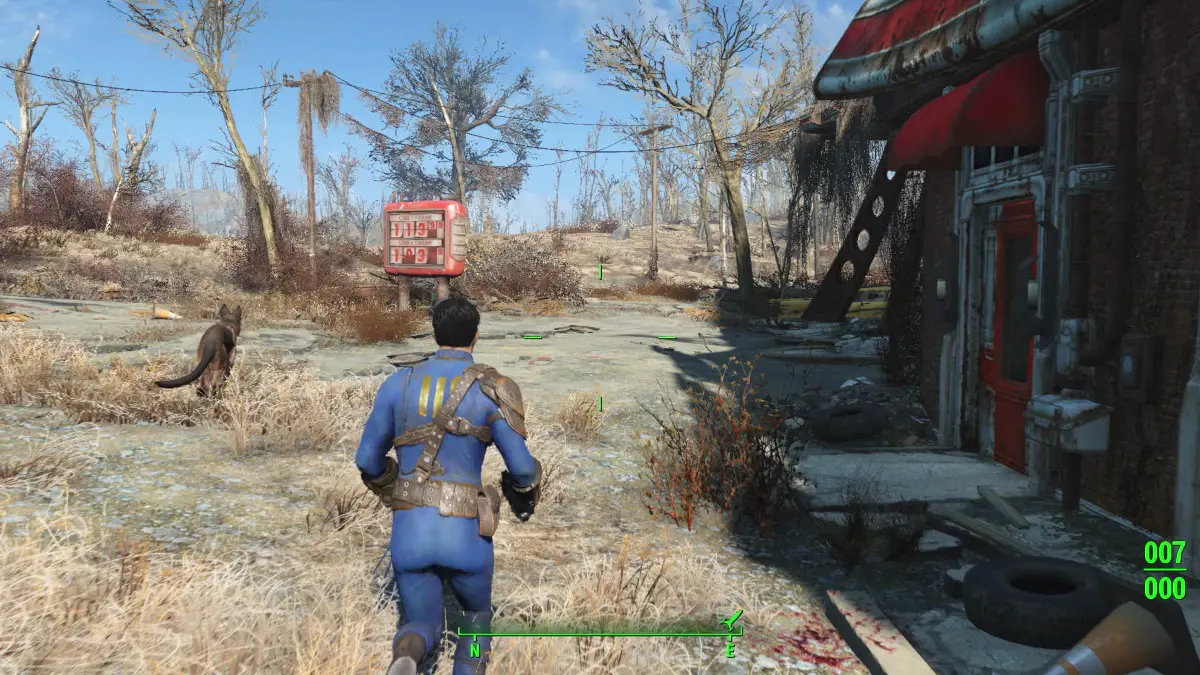
Now, it should actually deserve that Verified rating and hopefully soon Skyrim will get the fix, and then get Verified too.
Added and Updated Features
Game
Creation Kit
-
Archives are now supported on PlayStation. New file types (.nif, .dds, .bink, .cdx, .csg, .wav, and .fuz (with embedded .wav)) for PlayStation Creations.
-
Bink files can now be added to Creation uploads via an Extra Files browser.
-
Added Localization export support.
-
Creations up to 2 GB in size can now be uploaded for Xbox.
-
Updated “Search and Replace” to align with Starfield, adding buttons for “Select Form in Object Window” and “Open Form Editor.”
Crashes
Game
-
Fixed a crash when the player opens the Virtual Keyboard on a Steam Deck device.
-
Fixed a top crash that would occur due to a streaming audio error.
-
Fixed a crash on the Microsoft Store when players enter the Creations menus after resuming internet connectivity.
Bug Fixes
Game
-
Exiting out of Search when viewing a specific Creation now properly returns the player to the Details page of that Creation.
-
Creations category lists should now return ordered results more consistently.
-
Error messages from the Bethesda.Net service now contain error codes that can be provided to Customer Service for investigation.
Creation Kit
-
Archiving a plugin that uses pre-existing assets in a new form no longer causes the pre-existing assets to be duplicated.
-
Material or Heightmap terrain edits now cause grass to generate properly.
-
Running LipGen from the command line or launch argument now properly generates .lip files.
Miscellaneous
🌐 External Sources: store.steampowered.com